6E Club Customer Care: A Help Desk Sorted by Problem
Official 6E Club guideReviewed
6E Club customer care works a little differently from what you may expect. The free games run entirely in your browser, and your account is stored on your own phone or computer. That means most problems can be fixed in a minute on your own device, and nobody else ever needs your password, OTP or bank details.
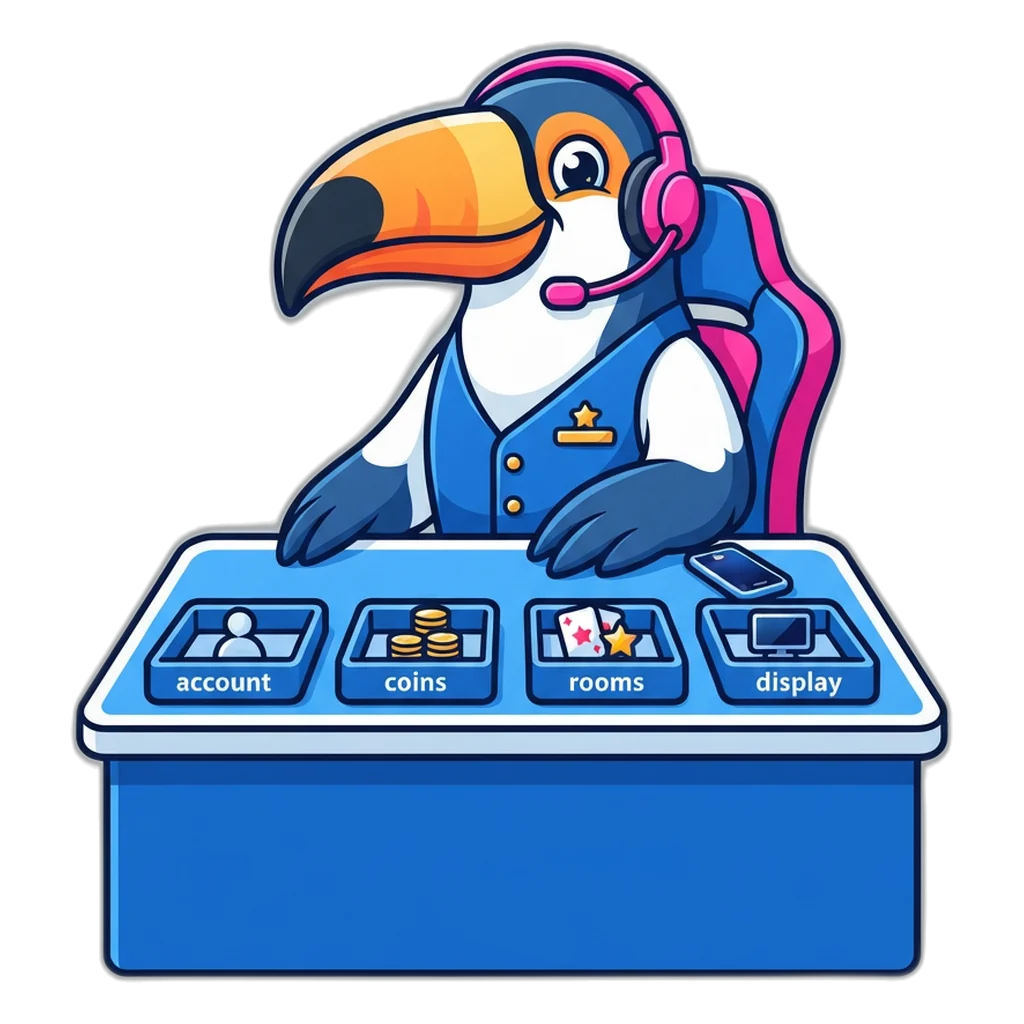
Below you will find a help desk split into four counters: sign-in, coins, rooms and screen trouble. Each one has quick fixes. After that, you will learn how to reach this site, why fake helpline numbers appear in search results, and the requests that show a helper is not genuine.
The 6E Club Customer Care Desk: Pick Your Problem
Think of this page as a help desk with four counters. Find the one that matches what you see on screen, then work down its list of fixes. Most 6E Club customer care questions fall into one of these groups, and almost all of them come from one simple fact: the account lives in the browser where it was made.
- Sign-in and accountMessages on the login or sign-up form, a missing account, a forgotten password.
- Coins, ranks and historyA low balance, a rank that is not moving, a pick missing from your list.
- Rooms, timers and resultsA timer that jumps, picks that will not place, results that look strange.
- Screen and loadingA blank page, a frozen room, text that is too small on a phone.
Counter 1: Sign-In and Account Problems
Sign-in trouble is the most common reason people look for 6E Club customer care. The form shows a short message under the button when something is wrong. The table matches each message to its cause and the fix.
| Message on screen | What it means | What to do |
|---|---|---|
| “That name and password do not match an account in this browser.” | This browser has no account with that name and password | Check you are on the same phone and browser where you signed up, and type the username in lowercase |
| “This browser already has an account with that name. Choose another, or sign in instead.” | Someone made that name on this browser before | Sign in with it, or choose a different name |
| “Use 3 to 20 characters.” | The username is too short or too long | Pick a name between 3 and 20 characters |
| “Use only lowercase letters a-z, numbers 0-9 and underscore (_).” | The name has a space, a capital or a symbol | Remove spaces and symbols; use a–z, 0–9 or _ |
| “The two passwords do not match.” | The two password boxes are different | Type the same password, at least 6 characters, in both |
| “Please confirm you are 18 or older.” | The adults-only box is not ticked | Tick it only if you are 18+; the games are for adults |
If none of these messages appears and your account still seems gone, ask yourself one question: is this the same browser on the same device? An account made in Chrome is not visible in another browser, on another phone or in a private window. Accounts do not sync anywhere. The sign-in guide for finding the right browser walks through this in more detail.
A forgotten password has no reset. The site never stores your password as text, only a salted hash inside your browser, so there is nothing anyone could send you. The fix is simple: make a new account. It takes about a minute and starts with a full 5,000 play coins.
The room asks you to make an account even though you have one. That screen appears when no one is signed in on this browser. You may have logged out, or you may be in a private window. Sign in again with the same username, and the room opens with your saved balance.
Counter 2: Coins, Ranks and Your Pick History
Coin questions are the second big group at the 6E Club customer care desk. Here are the usual ones and their answers.
- My balance is at zero. Press “Refill coins” and confirm. The balance goes back to 5,000. It is free and works at any time, with no code.
- My coins disappeared. Check that you are signed in to the same account on the same browser. If browser data was cleared, the old balance is gone for good.
- My rank is not going up. A round counts once per period in which you made at least one pick. Ten picks in one period still count as one round. Bronze starts at 15 rounds, Silver at 60, Gold at 200, Platinum at 500 and Diamond at 1,200.
- A pick is missing from “My picks”. The list keeps your last 200 picks. Older ones drop off the end. A pick tried in the final 5 seconds of a period is not placed at all, because picks close then.
One more coin question deserves a clear answer: coins cannot be cashed out, sold or sent to anyone. They are a free game balance with no cash value. If you have been told otherwise, read why play coins never turn into cash before you reply to anyone.
Counter 3: Rooms, Timers and Results
The four rooms run at the same time, each on its own clock. Room questions reach 6E Club customer care when a timer looks wrong or a pick will not go through. Start by checking the basic room facts below.
| Room | Period length | Picks close | Periods per day |
|---|---|---|---|
| 30-second room | 30 seconds | Last 5 seconds | 2,880 |
| 1-minute room | 1 minute | Last 5 seconds | 1,440 |
| 3-minute room | 3 minutes | Last 5 seconds | 480 |
| 5-minute room | 5 minutes | Last 5 seconds | 288 |
The timer jumps or shows a strange time. Room clocks follow your device clock. If your phone’s date and time are set by hand and have drifted, set them to automatic. If the screen was locked or you switched apps, the room catches up with the current period when you come back.
The pick button does nothing. You are probably in the last 5 seconds of the period, when picks are closed. Wait for the next period to open. Also check that you have enough coins for the chip size and quantity you chose.
The results look like a pattern. Every digit is drawn with the browser’s cryptographic random generator, each with exactly a 1 in 10 chance. Runs and gaps happen by chance. The digit chart shows the past and predicts nothing, and no one can see or set the next result.
A friend’s phone shows a different digit for the same period. That is expected. Each visitor’s browser makes its own draws, so two phones in the same room can show different results. Neither result is wrong, and neither phone is ahead of the other.
Counter 4: Screen, Loading and Phone Trouble
The last counter covers display problems. They are usually caused by browser settings rather than the games, so 6E Club customer care fixes here are all things you can change yourself.
- “JavaScript is switched off” message. The sign-in box and the rooms need JavaScript. Turn it on in your browser settings and reload.
- “This browser switched off a safety tool” message. The site needs an up-to-date browser and a secure https address. Update the browser, then open the site again by typing the address yourself.
- The page is slow on mobile data. Close other tabs, wait for a steadier signal and reload. The games are light, so a weak connection is usually the cause.
- Text or buttons look too small. Use your browser’s zoom or text-size setting. Turning the phone sideways can also help on small screens.
- You cannot find the site again. Bookmark it, or pin it to your home screen. The guide to opening the games from a home-screen tile shows the steps for Android and iPhone, with nothing to install.

Clearing Site Data Deletes Your Account: Read This First
A common tip for browser problems is “clear your data”. On this site, that advice needs a warning. Your account is saved in the browser’s local storage, and clearing site data wipes it. The account, coins, rank and pick history all go, and 6E Club customer care cannot bring them back.
| Action | What happens to your account | Safe? |
|---|---|---|
| Reload the page | Nothing; you stay signed in | Yes |
| Sign out | The account stays in this browser; sign in again any time | Yes |
| Clear cached images and files only | Usually nothing; the saved account is kept | Yes, if only cache is ticked |
| Clear cookies and site data | The account and everything in it is erased | No, unless you mean to start over |
| Use a private or incognito window | Any account made there is lost when the window closes | Only for a quick try |
| Open a different browser or phone | Your account is not there; it never left the first one | Yes, but sign up again there |
| Press “Delete account” | Account, coins, rank and history removed for good | Only when you want it gone |
Before you clear anything, read the tick boxes carefully. Many phones group “cookies and site data” with other options, and one wrong tick removes the account. If you share a family phone and want a clean start, the “Delete account” button is the tidy way to remove one person’s account without touching others.
Moving to a new phone? There is no transfer or backup, because nothing is kept online. Your old phone keeps its account until you delete it or clear its data. On the new phone, simply sign up again and start with 5,000 play coins. You lose a rank badge and some pick history, but nothing of cash value, because coins never had any.
Reaching This Site: The Contact Page Is the Only Door
When a fix on this page does not solve your problem, write to us through the contact page on this site. That page is the only real channel for 6E Club customer care. There is no phone line, no WhatsApp number and no email address yet, and no “agent” who speaks for the site in any chat group.
To help us understand your problem quickly, include:
- The phone or computer you use, and the browser name.
- The room and, if you can, the period number shown on the results board.
- The exact message on screen, copied word for word.
- What you tried already from the counters above.
Never include your password. We do not need it, cannot use it and will never ask for it. Remember too that we cannot see your account, because it lives only in your browser. Support can explain what happened and how to fix it, but it cannot add coins, change a rank or recover a deleted account.
The contact page is also the right place to point out a mistake in one of our guides, to suggest a clearer way to explain a rule, or to report a copycat page that uses the 6E Club customer care name. Reports of fake numbers and fake apps help us warn other players.
Fake 6E Club Customer Care Numbers in Search Results
Search for any popular name plus “helpline” and you may see phone numbers on map listings, review sites, video descriptions and comment threads. Some are posted by scammers on purpose. They wait for worried people to call. A number like that is never a real 6E Club customer care line, because the site has none.
The callers behind these numbers usually follow the same steps:
- They sound calm and helpful, and they already “know” about your problem.
- They move the chat to WhatsApp or Telegram, away from any record.
- They send a link that looks like a sign-in page, a classic case of phishing.
- They ask for an OTP, a UPI PIN or a small “verification” payment.
If you spot a number, page or app that claims to be our helpline, you can report the copycat to us. If you have lost money or shared bank details, report it on the National Cyber Crime Reporting Portal or call 1930 at once.
The same rule protects you on every other website too. For a bank, a UPI app or a phone company, take the contact details from the app itself, the back of your card or a printed bill, not from a search result or a comment. If a number found online answers with the name of whatever you searched for, that alone proves nothing.
Requests That Expose a Fake Helper at Once
Genuine 6E Club customer care has nothing to ask from you except a description of the problem. The games need no phone number, no payment and no ID, so a helper who wants any of the following is not from this site:
- An OTP from an SMS, for any reason.
- Your UPI PIN, card number, CVV or net banking login.
- Installing a screen-sharing or remote-control app.
- A “verification fee”, “activation charge” or “release fee”.
- Your account password, or a photo of your ID card.
- Scanning a QR code so they can “send” you something.
- Moving the chat to a private messaging app.
Fee requests often come with a promised payout attached. Those stories are covered in the guide to fake release-fee and payout messages. For a wider look at copycat apps, fake groups and safe habits, see the 6E Club safety checks for scams and healthy play.
Already shared an OTP or PIN with someone posing as 6E Club customer care? Act now. Call your bank on the number printed on your card and ask them to block it, change your UPI PIN and passwords, uninstall any remote-control app the caller asked for, and report the number on 1930. Keep the call log and chat screenshots, because they help the people who handle your complaint.
Problem Fixed? Back to a Room
Sign in on the same browser, open any room and place a pick with play coins. Low on coins? Use Refill coins. Adults 18+ only.
When a Game Gets Frustrating
A frozen screen or a lost account can feel annoying, especially in a fast 30-second room. Take that as a natural break. Step away, have some water, and come back later with a fresh head.
If you notice that you get angry or upset about results, or that play is taking time from work, sleep or family, set a firm time limit. If you want to talk to someone, Tele MANAS on 14416 is a free mental-health helpline, and iCall offers free psychosocial support too.
Adults 18+ only. Play coins on 6E Club are a free game balance with no price and no cash value, and every result is a fresh random draw that nobody can see in advance. Online money games have been against the law across India since 1 May 2026 (Promotion and Regulation of Online Gaming Act, 2025). See the Read the 6E Club guide to healthy play for time limits, breaks and free help.
Help and Contact Questions
Is there a 6E Club customer care phone number?
No. This site has no phone line, no WhatsApp number and no email address yet. The only way to reach the people behind it is the contact page on this site. Any number shown in a search result, a video comment or a chat group under the 6E Club name is not ours.
Can support restore my account if I cleared my browser?
No. Your account, coins, rank and pick history are stored only in your own browser, and nothing is copied to a server. Once site data is cleared, there is no backup anywhere to restore. Make a new account at the sign-up page and you start again with 5,000 play coins.
I forgot my password. Can customer care reset it?
There is no password reset, because nothing about your account is online. The password is kept only as a salted hash in your browser, so nobody, including this site, can read it or send it to you. Create a new account with a password you will remember.
Someone from “6E Club support” asked for my OTP. What should I do?
Do not share it. This site never asks for an OTP, a UPI PIN, bank details or a screen-sharing app, because the games have no phone sign-up and no money. Block the person, and if you already shared anything, call 1930 or report it on cybercrime.gov.in straight away.
Why does my friend see a different result in the same room?
Each visitor’s browser makes its own draws. Your phone and your friend’s phone run the same room timer, but each draws its own digit, so two results for the same period can differ. Nothing is wrong, and neither phone can see or set the next digit early.
How long does it take to get a reply through the contact page?
This site does not promise a reply time. Most game problems can be fixed straight away with the steps on this page, so try those first. Use the contact page for questions the guides do not answer, for corrections, and to report copycat pages, apps or phone numbers.
Final Word on 6E Club Customer Care
Most 6E Club customer care problems are solved on your own device: use the same browser, keep site data, press “Refill coins” when you run low, and wait for the next period if picks are closed. When you need more, the contact page is the only way to reach us.
Treat every phone number, chat agent or payment request that uses the name as fake. For other quick answers, browse the grouped questions on games, accounts and coins, or return to the 6E Club home page with every guide.